Our work.
Not borrowed templates. Real problems, original thinking and the patience to create a coherent solution. Here is how we built our own products, line by line.
Onimde
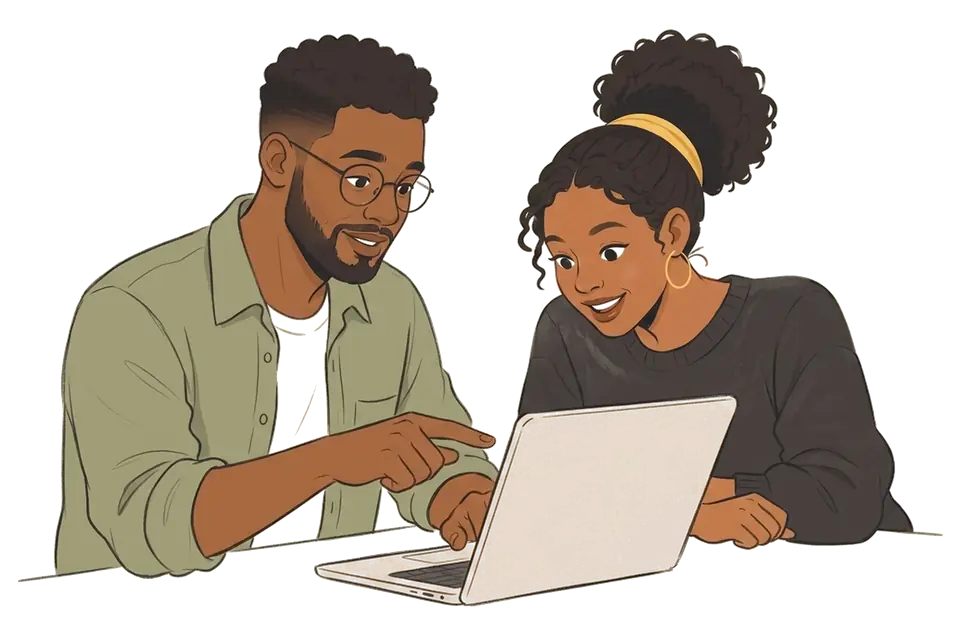
A more connected school day for school staff, facilitators and families.
Private schools run on paper registers, scattered spreadsheets and dozens of WhatsApp groups.
Read the case study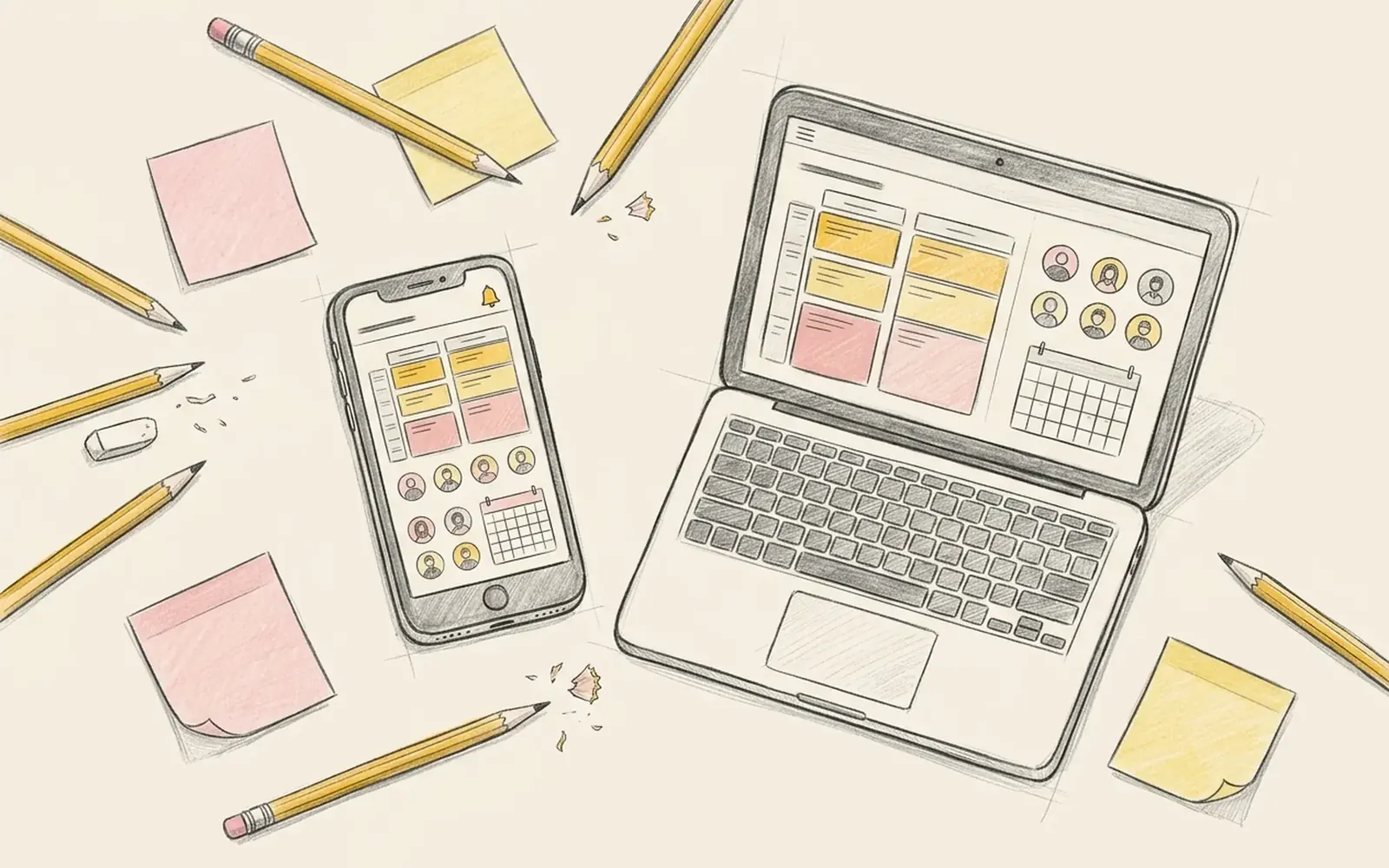
Flykimo
HR and payroll for growing organisations, so people are paid correctly, every time.
Growing teams outgrow spreadsheets for payroll long before they can afford an HR department.
Read the case study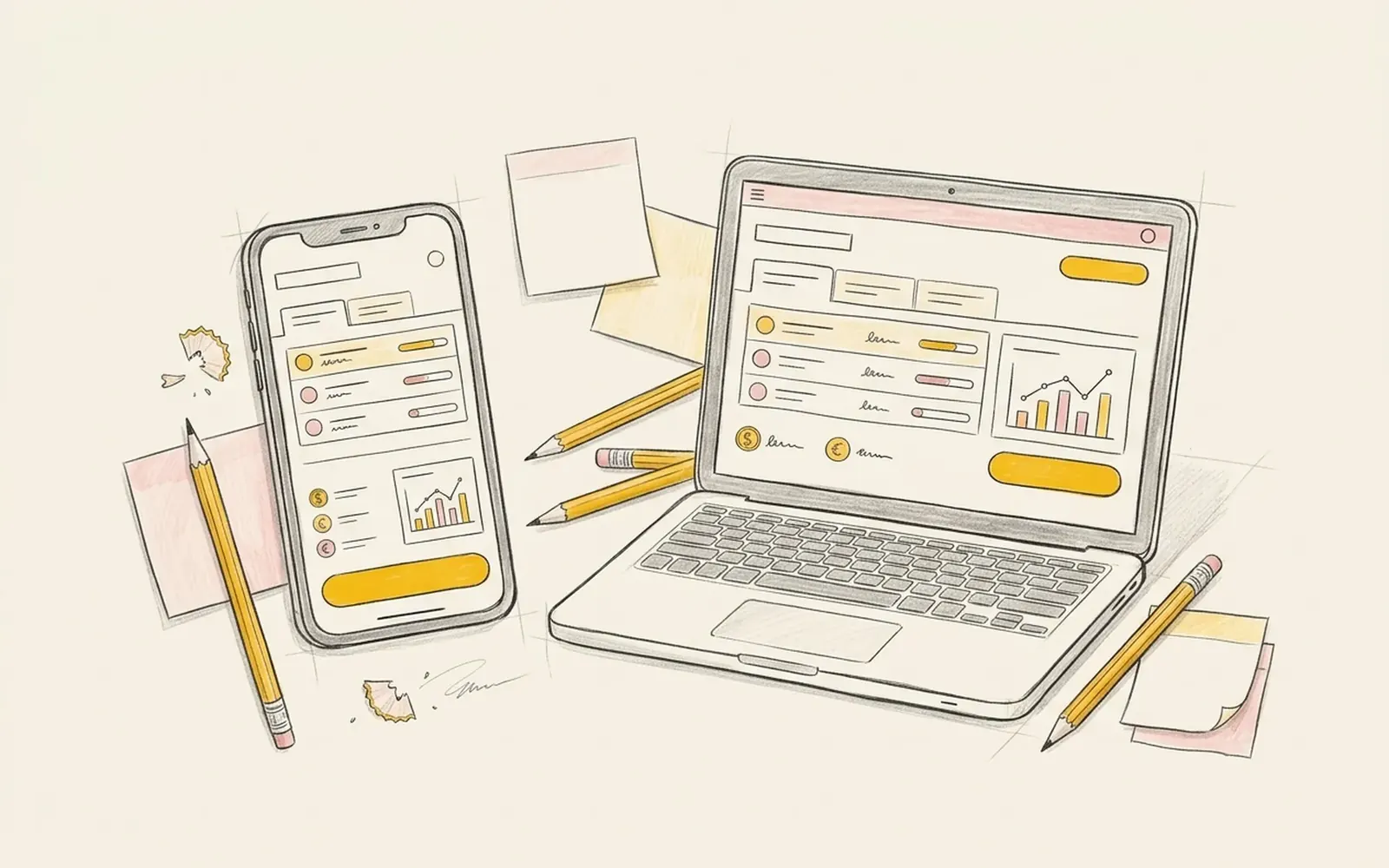
Vigilo
Managed compliance records and connected operational workflows.
Licences, inspections and training certificates expire quietly.
Read the case study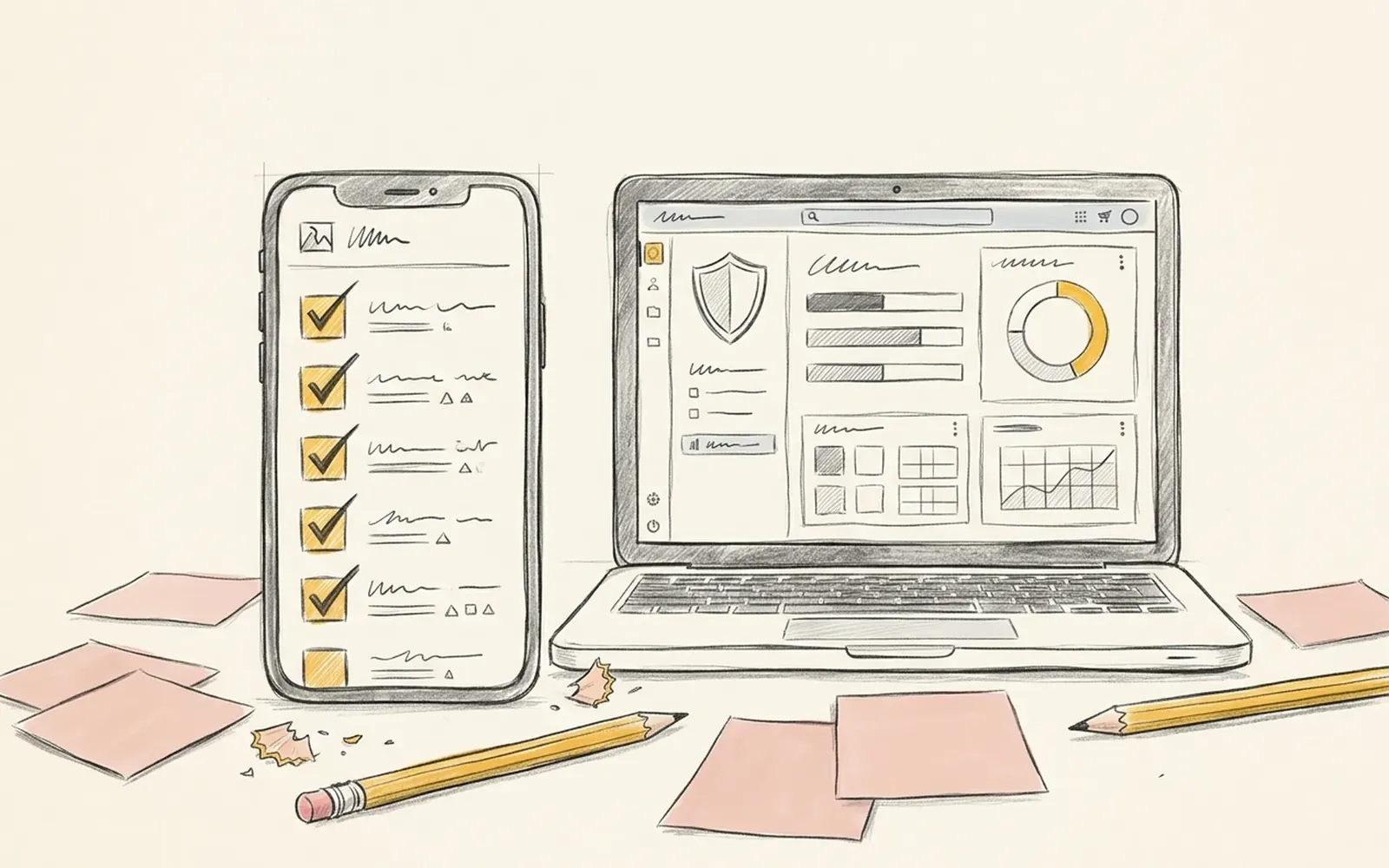
Ten screens.
Who we serve.
Every product starts with who will use it. These are the four groups we work with most.
Admissions sites, parent communication and school systems that families actually use.
A sharp brand and a website that turns conversations into customers.
From the first sketch to a working product you can test with real people.
Clear, accessible sites for NGOs, churches and community groups.
Six decisions.
We sit with the people who will use it before we draw a single screen.
Clean records and clear roles first. Interfaces get simple when the data is honest.
Tested on the phones and connections your users actually have.
We operate our own platforms, so we know what breaks at 2 a.m.
Straight answers and one clear quote before we start. No jargon, no surprise costs.
Review rounds are planned into every stage, so feedback is expected, not extra.
You are next.
Write us a note. A real person reads it, and you talk directly to the people who will make it.
- Fill in the note
- Send it on WhatsApp or by email
- We reply the same working day