01Why does it take longer than a template?
Because a template answers someone else’s problem. The time goes into understanding yours, and it shows in the result.
Scroll to watch one product, Vigilo, go from sticky notes to a working screen, with the decision made at every stage.
Example: Vigilo, a site-safety app we’re building.
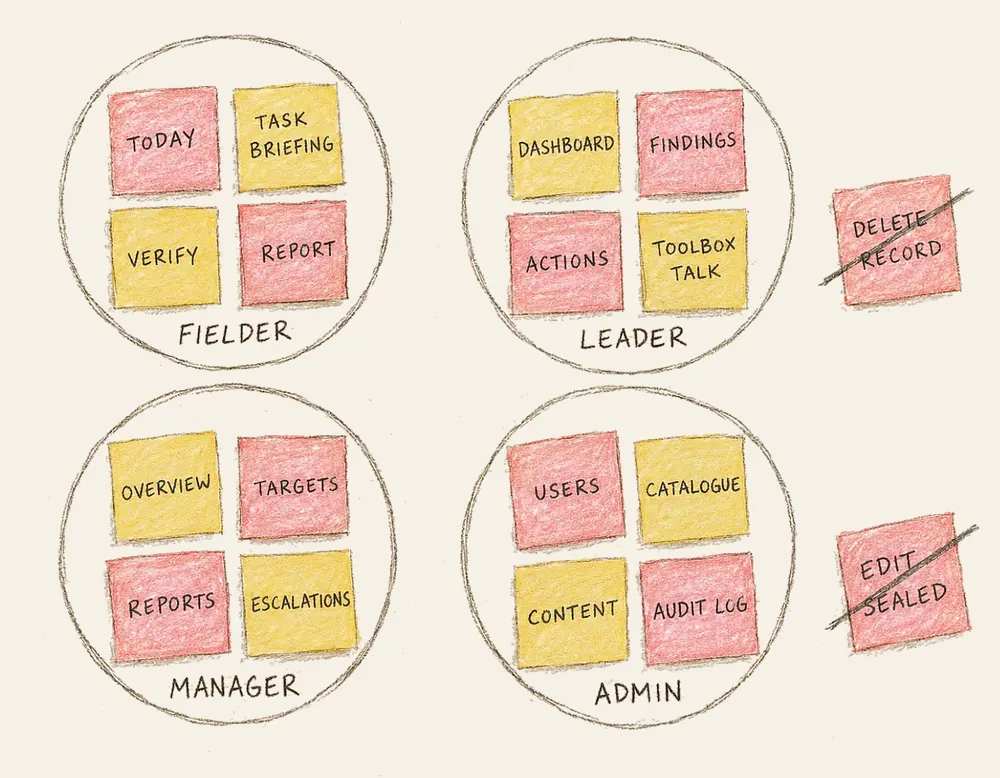
Decision: We listed every screen the product needs and sorted them by who uses them: fielders, leaders, managers and admins. Two ideas were struck off for good: deleting a record and editing a sealed one.
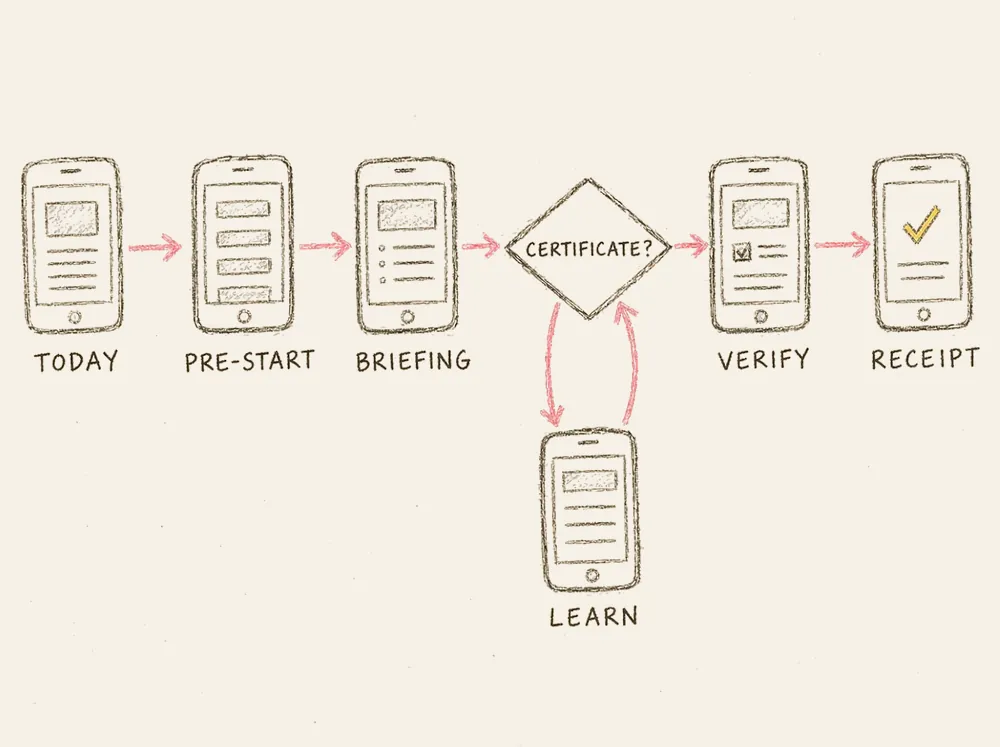
Decision: The fielder’s day became one straight path from Today to a sealed receipt. A certificate check sits before the task: no valid certificate sends the worker to a short lesson first, then back.
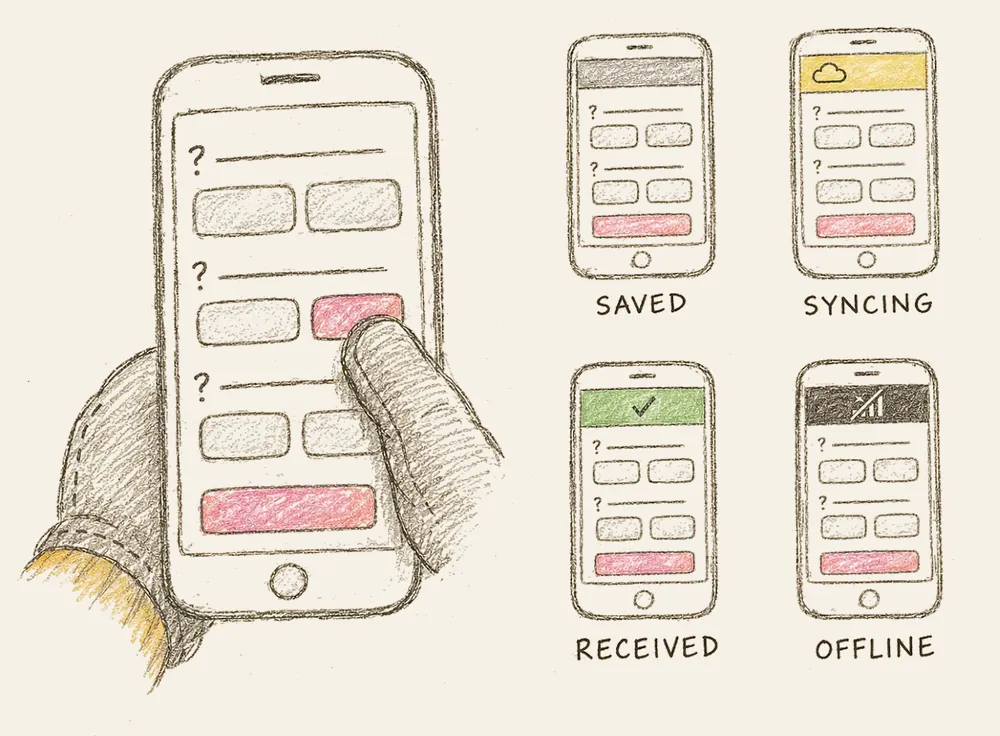
Decision: Answers became big buttons a gloved thumb can hit, and every screen got four states: saved on the device, syncing, received and offline. The worker always knows where their record is.
Decision: Colour never carries meaning alone: every status has an icon and a word. A sun theme for the field, a night theme for night shifts, and one set of tokens for phone, tablet and desk.
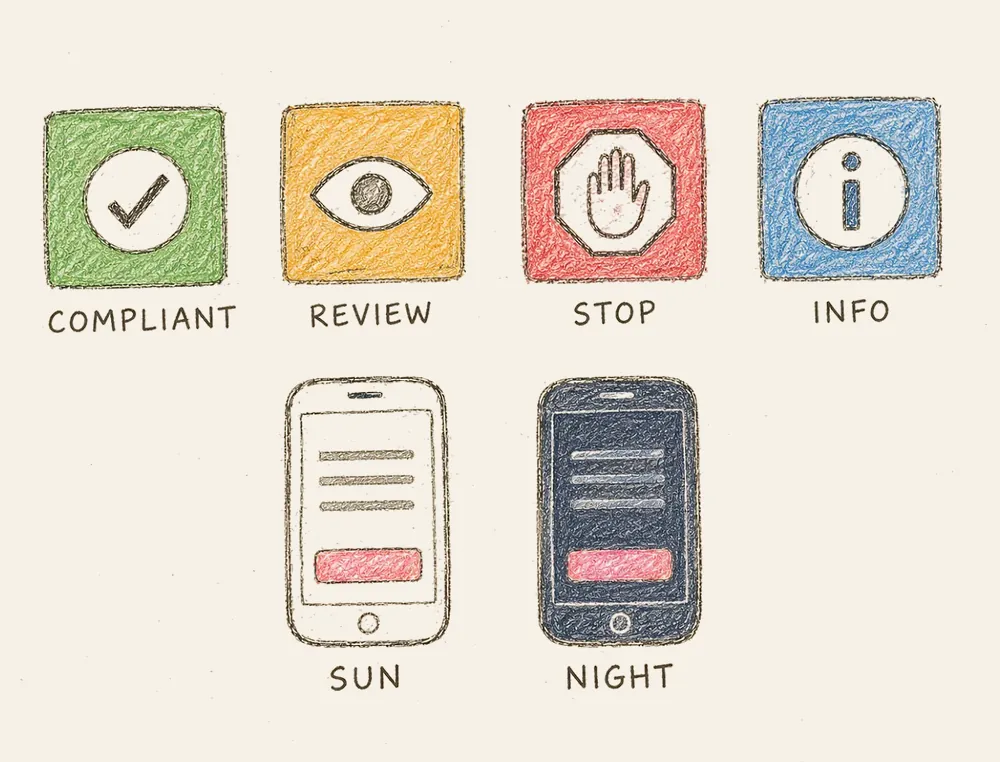
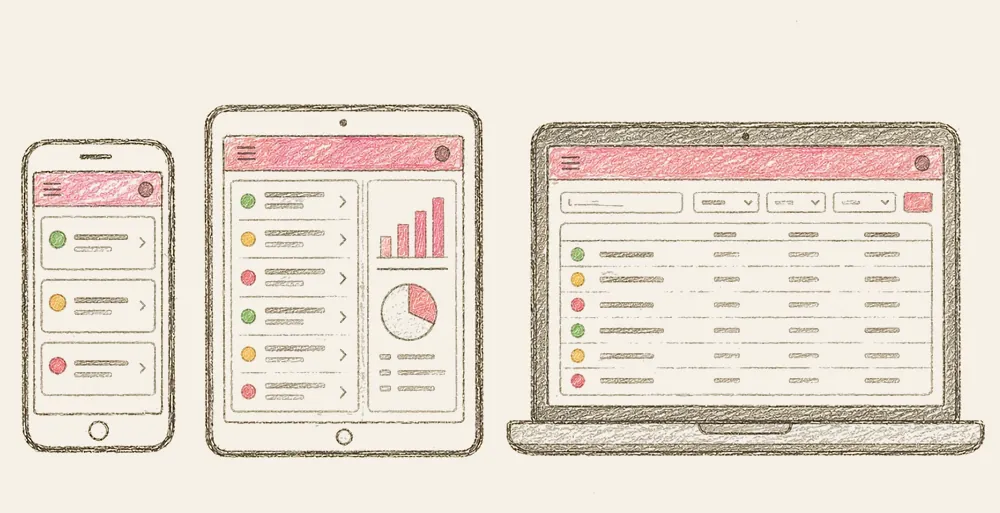
Twelve steps in three phases, from finding an identity to the final files. This is where the time goes, and why the result looks like nobody else’s.
Founders, staff and a few customers, so the brand starts from what is true.
Who we are talking to, and what competitors already look like.
One sentence: who it is for, what it does, and why it is different.
Three traits, with words to use and words to avoid.
Two or three visual directions to react to before any logo.
Dozens of pencil thumbnails, most of them thrown away on purpose.
The chosen idea refined on a grid and tested at favicon size.
A palette with contrast checked for screens, print and bright sun.
Two typefaces at most, with sizes set for headings and body text.
Icons, patterns, illustration and photo style.
App icon, social media, stationery, signage and packaging, as needed.
A brand guide, plus every file in every format, organised and named.
Better isn’t always the first line. It’s the one we choose to keep. Watch the eraser work, or grab it and rub out a draft yourself.
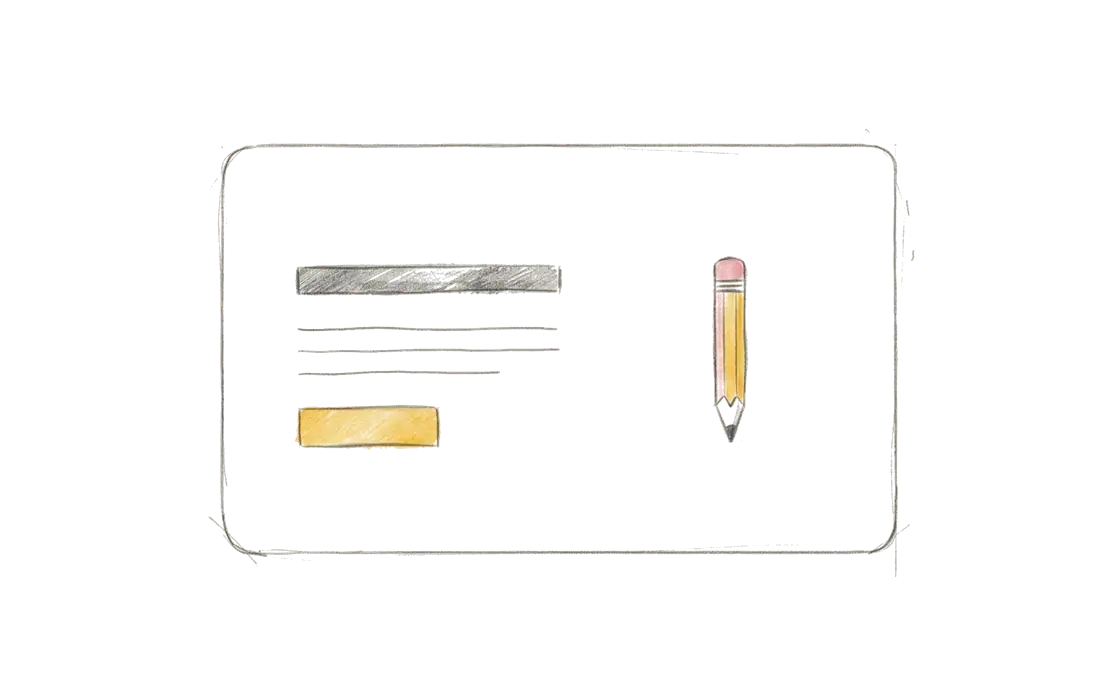
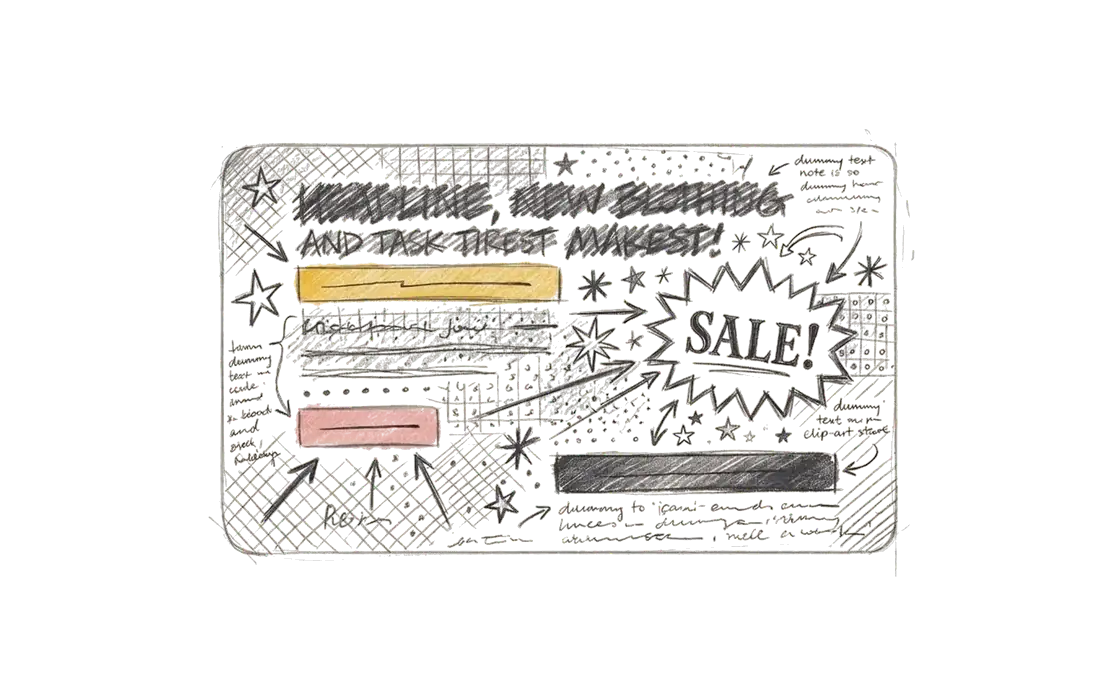
A cluttered first draft of a web page is erased to reveal a clean redraw.
Three rough routes. Blue logo pencil yellow.
“Make it pop” becomes a clear brief we agree on.
We erase what didn’t work and redraw with intent.
Only the lines worth keeping. Nothing by accident.
Revision happens at every stage, not once at the end. Each stage closes with a gate you sign off before the next begins, so changes stay cheap.
The working promises behind every project, from the first message to the final file.
No templates. Every brand and interface starts with a blank sheet and your problem.
Most of your customers are on a phone. We design for that screen and for slow data first.
You speak directly with the people designing and building, on WhatsApp or email.
Your files, your code, your domain. Handed over clearly at the end.
Review rounds are part of the plan, not a favour. We erase and redraw until it is right.
Accessible, documented and easy to maintain long after launch.
Because a template answers someone else’s problem. The time goes into understanding yours, and it shows in the result.
Review rounds are planned into each stage and agreed in the proposal, so feedback is expected, not extra.
We can make stages lighter for smaller projects, but not skip them. Each decision makes the next one cheaper.
The people designing and building your project, directly. No account managers in between.
Thoughtful work takes curiosity, revision and craft. Tell us where you want to start.
Got a project in mind? Say hello 👋